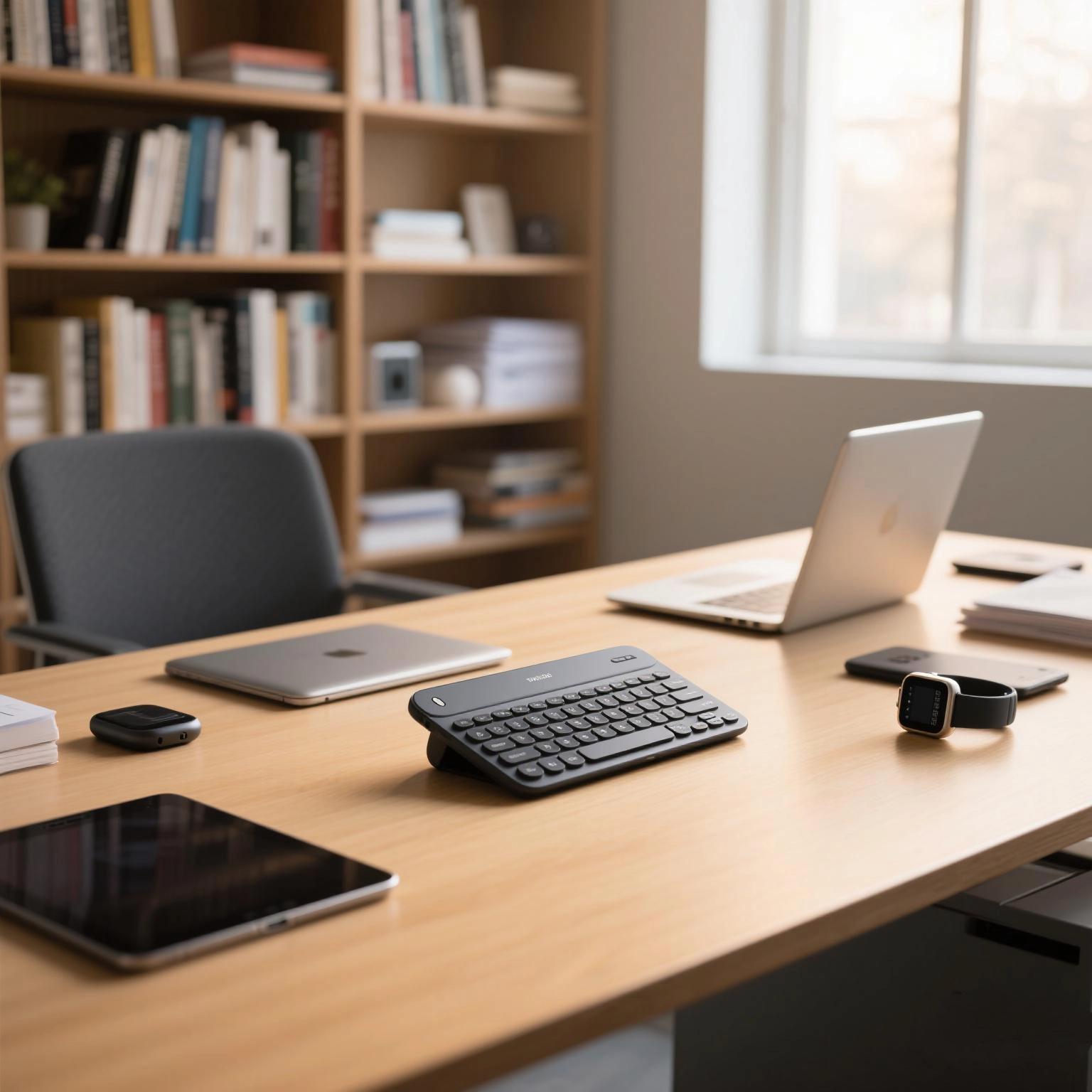
Tactile vs Clicky Keyboards: Which type of mechanical switch is best suited?
Still struggling to choose the right mechanical keyboard for your business, unsure whether to choose a tactile or tactile keyboard? This blog post will answer your questions!
Introduction: The Core Dilemma for Business Buyers
When selecting mechanical keyboards for your team, the choice between tactile and clicky switches often sparks debate. Each type offers distinct feedback, durability, and noise levels—factors that directly impact productivity, employee satisfaction, and even office harmony.
For businesses prioritizing quiet environments (e.g., open-plan offices, customer service centers) or hybrid work setups, silent clicky keyboards and tactile-silent hybrids have emerged as game-changers. But how do they compare to traditional options? Let’s break it down.
1. Tactile Keyboards: The Middle Ground for Precision & Quiet
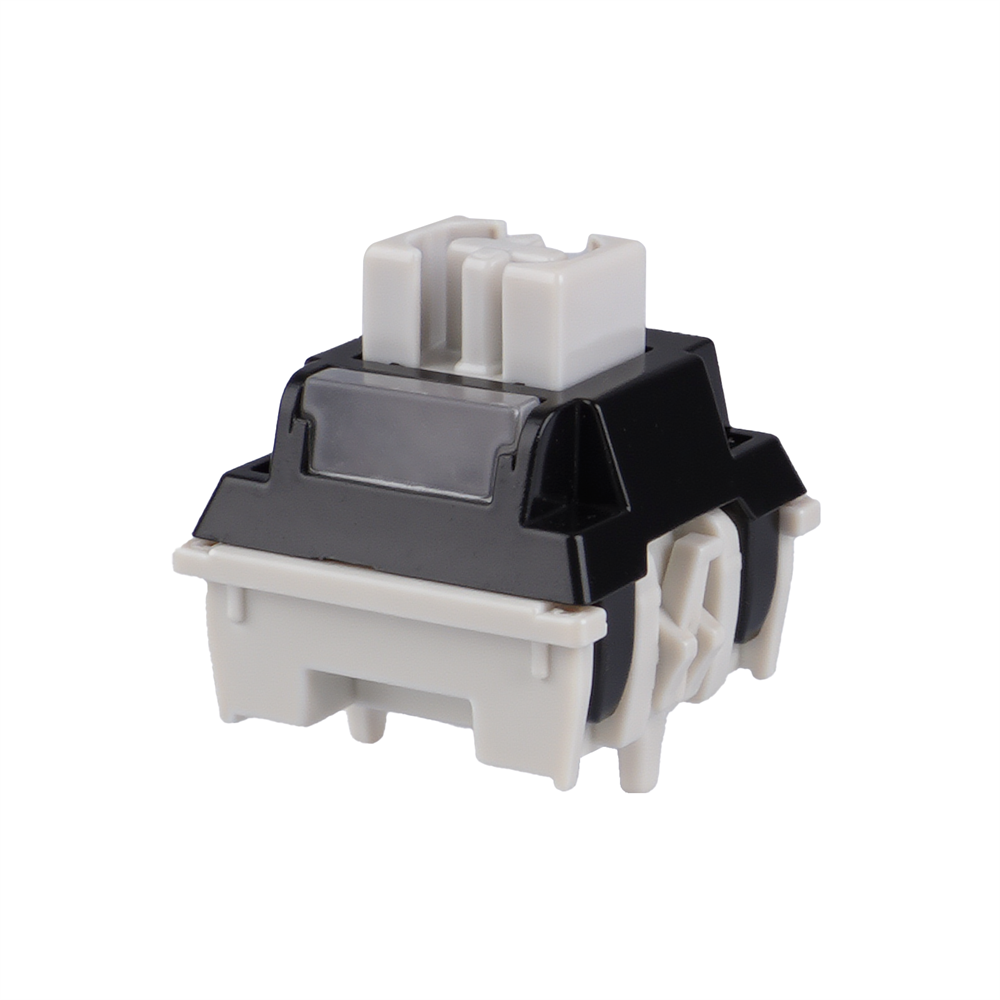
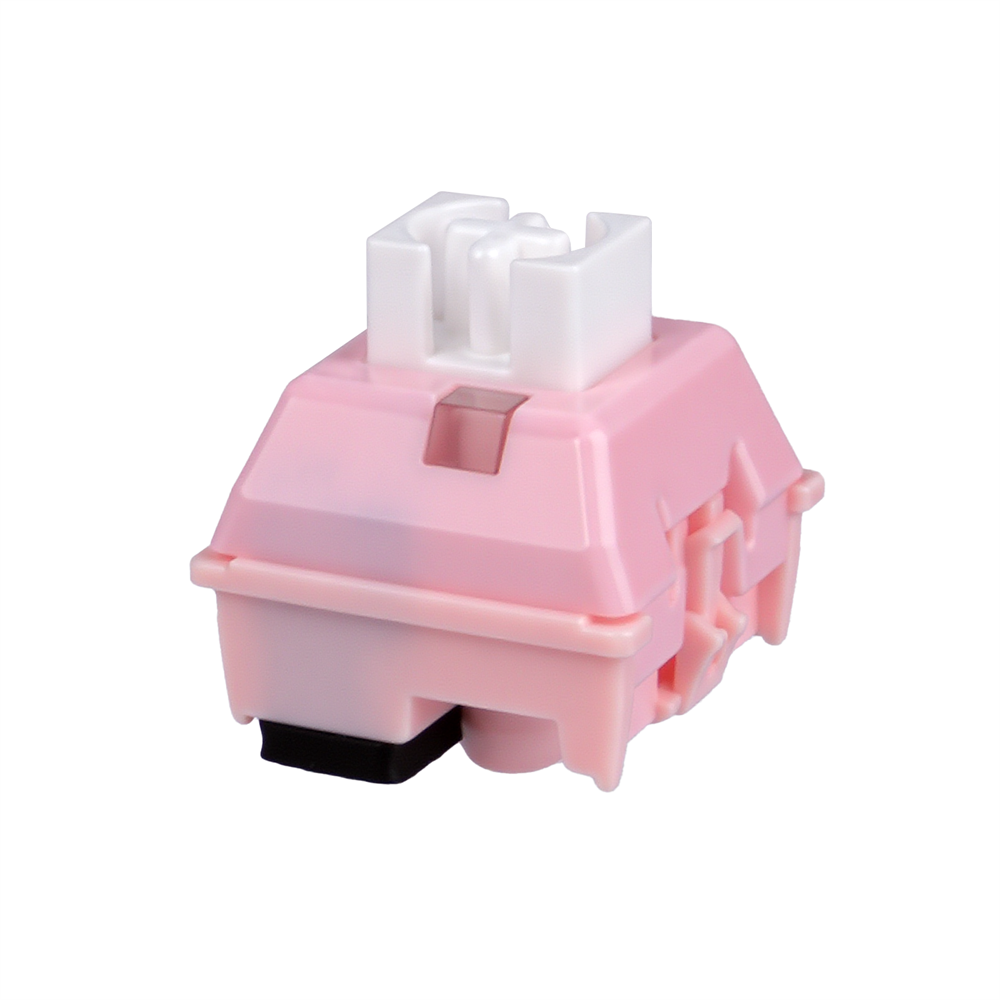
Tactile switches provide a subtle “bump” mid-press without the loud click. This makes them ideal for:
Typing accuracy: The tactile feedback reduces errors without overwhelming noise.
Shared workspaces: Quieter than clicky switches but more responsive than linear ones.
All-day use: Less fatiguing for employees typing for hours.
Silent tactile keyboards take this further by adding dampeners to minimize bottom-out noise. These are perfect for:
Healthcare or education settings where silence is critical.
Late-night workers avoiding disturbing others.
Business use case: A marketing team drafting content in a co-working space would benefit from tactile switches’ balance of feedback and quiet operation.
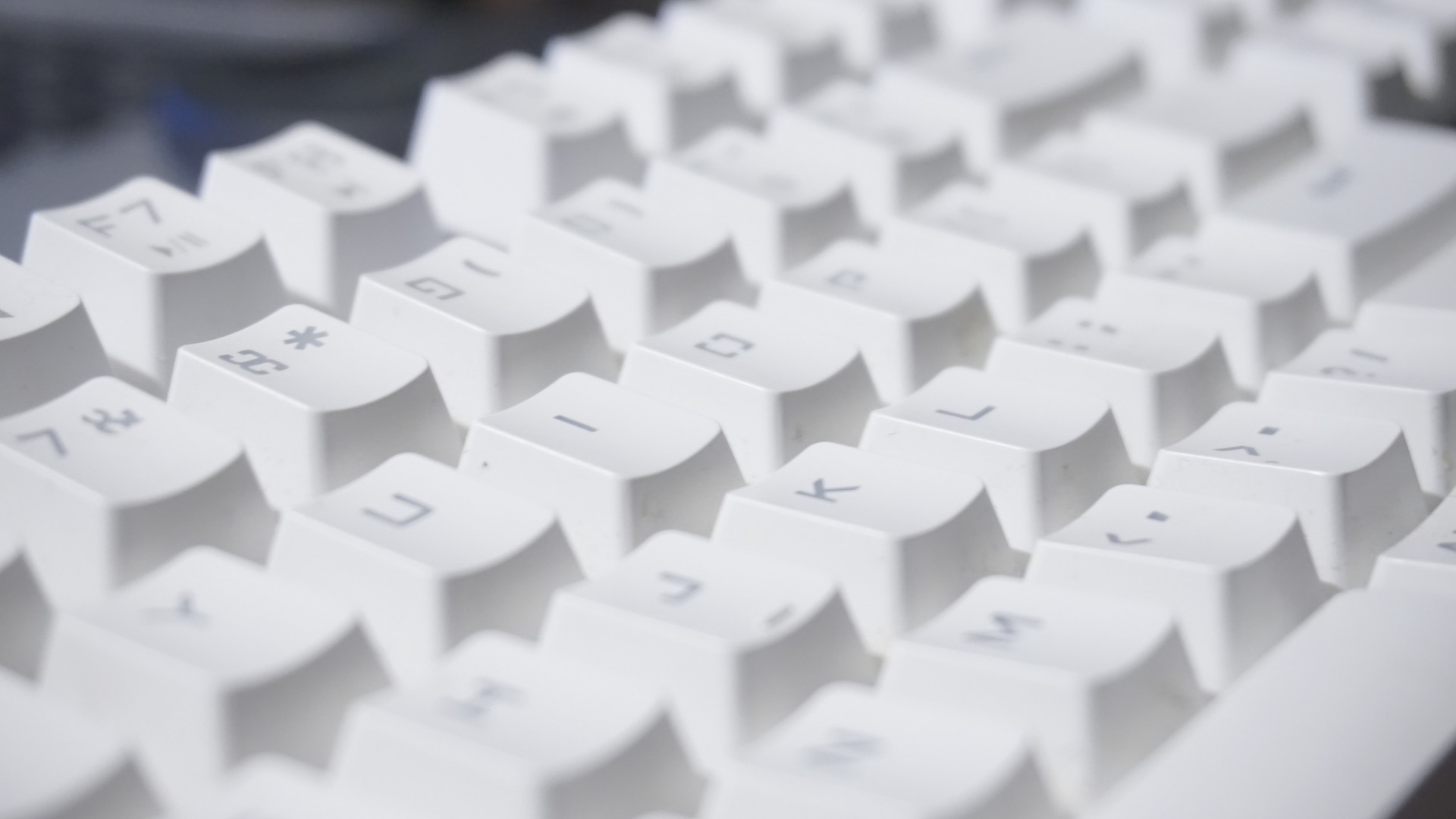
2. Clicky Keyboards: Audible Feedback for High-Stakes Typing
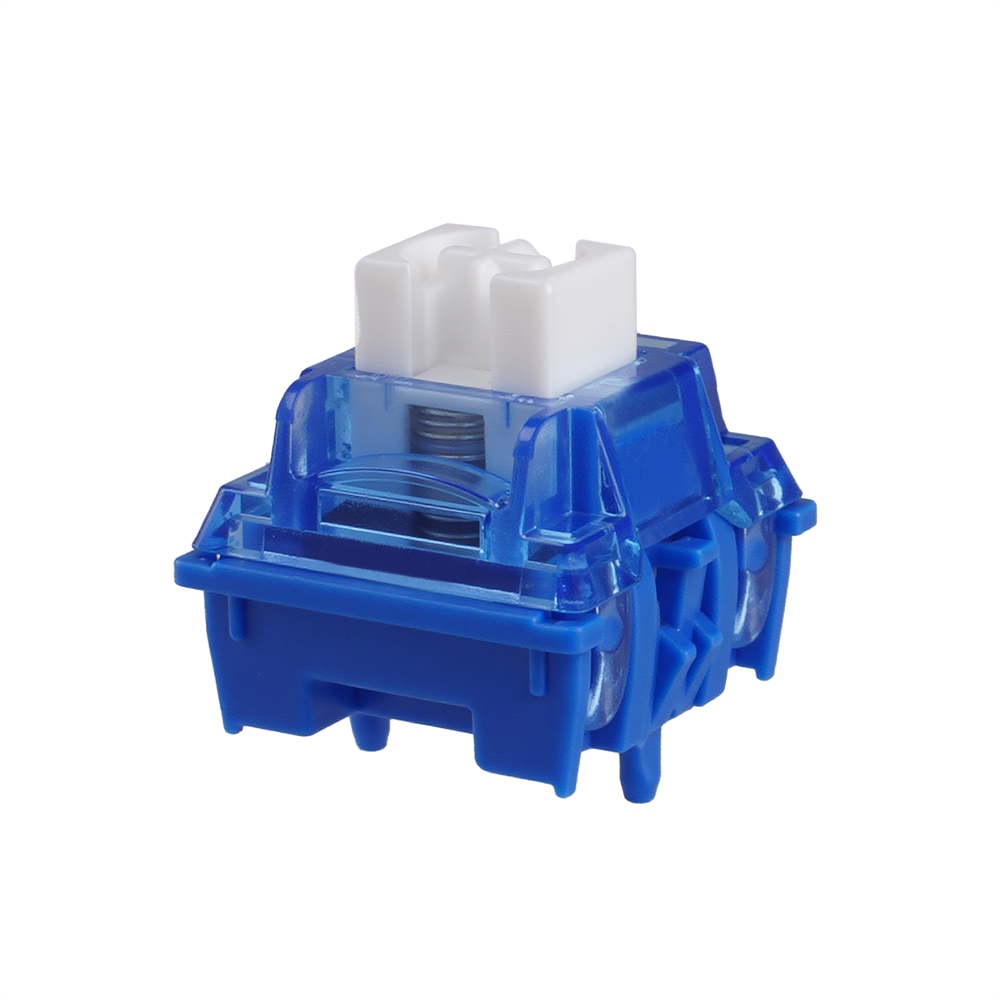
Clicky switches deliver a satisfying “click” at the actuation point, signaling a confirmed keypress. They excel in:
Data entry/coding: The audible click confirms each keystroke, reducing mistakes.
Single-user environments: Home offices or private cubicles where noise isn’t a concern.
User preference: Some employees simply prefer the sensory feedback.
Silent clicky keyboards retain the tactile bump and click but use dampeners to soften the sound. These are great for:
Hybrid offices: Employees who want clicky feedback without disrupting colleagues.
Gaming-adjacent roles: Designers or engineers who need precision but also game after hours.
Business use case: A software development team in a private office might opt for silent clicky keyboards to maintain focus without sacrificing the feedback they love.
3. Key Factors to Consider for Your Business
When deciding between tactile, clicky, or silent variants, evaluate these factors:
A. Noise Level
Clicky: Loud (55–65 dB)—avoid in open offices or customer-facing roles.
Tactile: Moderate (45–55 dB)—safer for shared spaces.
Silent clicky/tactile: Quiet (35–45 dB)—best for noise-sensitive environments.
B. Typing Feedback
Clicky: Strong auditory + tactile feedback.
Tactile: Subtle tactile bump only.
Silent variants: Reduced feedback but still noticeable.
C. Durability & Cost
All mechanical switches last 50–100 million keystrokes, but silent versions may have slightly shorter lifespans due to dampeners.
Silent models often cost 10–20% more than standard switches.
D. Employee Preferences
Conduct a survey or trial period to gauge team needs. Some may prioritize silence, while others crave feedback.
4. Our Recommendations for Business Buyers
Based on common scenarios:
Open office/quiet environment: Silent tactile keyboard SWitch
Private office/coding teams:Silent clicky keyboard SWitch
Hybrid work/flexible needs:Silent clicky keyboard SWitch
Conclusion: No One-Size-Fits-All Answer
The “better” choice depends on your workspace, team size, and employee preferences. Silent clicky keyboards bridge the gap for those who want feedback without noise, while tactile and silent keyboards offer versatility.
For businesses, the safest bet is to offer options or conduct a trial with a few switch types. After all, a happy team is a productive team—and the right keyboard can make all the difference.
Ready to upgrade your office setup? Explore our enterprise-grade mechanical keyboards with customizable switch options today.