How to Pick the Perfect Computer Keyboard Switch for Typing Comfort
Discover how to choose the ideal computer keyboard switch for maximum typing comfort. Learn about switch types, actuation force, noise levels, and expert tips to enhance your typing experience.
1.Understanding Different Types of Computer Keyboard Switches
Computer keyboard switches generally fall into three main categories: linear, tactile, and clicky. Linear switches provide a smooth, uninterrupted keystroke with no tactile bump or audible click, making them ideal for users who prefer fast, quiet typing. Tactile switches give a noticeable bump when the key actuates, offering physical feedback that can reduce typing errors and improve comfort. Clicky switches not only have a tactile bump but also produce a distinct audible click, giving satisfying feedback for those who enjoy a traditional typing feel. Understanding the differences between these switch types is the first step in selecting the right computer keyboard switch for your personal typing comfort.
2. The Impact of Keyboard Switch Actuation Force on Typing
Actuation force refers to the amount of pressure needed to register a keypress. Computer keyboard switches come with a wide range of actuation forces, typically measured in grams. A switch with too high an actuation force can cause finger fatigue during long typing sessions, while one with too low a force may lead to accidental presses. Finding a switch with the right balance is crucial for comfort, especially for users who spend several hours typing each day. By understanding actuation force, you can choose a computer keyboard switch that minimizes strain while maximizing typing efficiency.
3. Noise Levels and Typing Comfort: Choosing the Right Switch
The sound produced by a computer keyboard switch can affect typing comfort, particularly in shared workspaces or quiet environments. Clicky switches tend to be loud, which can be satisfying for some but distracting for others. Tactile switches are moderately quiet, while linear switches are typically the quietest. Considering noise levels alongside typing feel ensures that your switch selection aligns with both personal preference and the environment in which you will use your keyboard.
4. Mechanical vs Membrane Switches: Which Offers Better Typing Comfort?
Mechanical computer keyboard switches use individual spring-loaded mechanisms for each key, offering consistent feedback, durability, and a premium typing experience. Membrane switches, common in budget keyboards, rely on a pressure pad system, which can feel softer but less precise over time. For comfort, mechanical switches are generally preferred because they provide consistent tactile feedback, customizable actuation force, and longer lifespan, all of which contribute to a more enjoyable typing experience.
5. How Keyboard Switch Travel Distance Affects Your Typing Experience
Switch travel distance refers to how far a key must be pressed to register a keystroke. Short-travel switches require less movement, allowing for faster typing but sometimes causing accidental key presses. Longer-travel switches provide a more deliberate typing experience, which some users find more comfortable for extended typing sessions. Choosing the right travel distance in a computer keyboard switch can significantly influence typing speed, accuracy, and overall comfort.
6. Switch Durability and Longevity: Why It Matters for Typing Comfort
Durability is a critical factor in switch selection because a worn-out switch can feel inconsistent or "mushy," negatively impacting typing comfort. High-quality computer keyboard switches are rated for tens of millions of keystrokes, ensuring they maintain their feel and responsiveness over time. Investing in a durable switch ensures that your typing experience remains comfortable and reliable, even after years of heavy use.
7. Customizing Your Typing Experience with Hot-Swappable Switches
Hot-swappable keyboards allow users to change computer keyboard switches without soldering, offering a convenient way to experiment with different switch types and find the most comfortable fit. This flexibility is especially useful for typists who are unsure which switch suits them best or want different switches for work and gaming. By using hot-swappable switches, you can fine-tune your keyboard to match your unique typing style, enhancing long-term comfort.
8. Best Computer Keyboard Switches for Long Typing Sessions
Certain switches are specifically designed for extended typing comfort. Typically, these have moderate actuation force, tactile feedback to reduce errors, and quieter operation to minimize fatigue. Mechanical switches like Cherry MX Brown or Gateron Red are often recommended for long typing sessions due to their balance of smooth keystrokes and reduced finger strain. Choosing the right switch ensures that your hands remain comfortable, even during hours of continuous typing.
9. Keycap Compatibility and Its Influence on Switch Feel
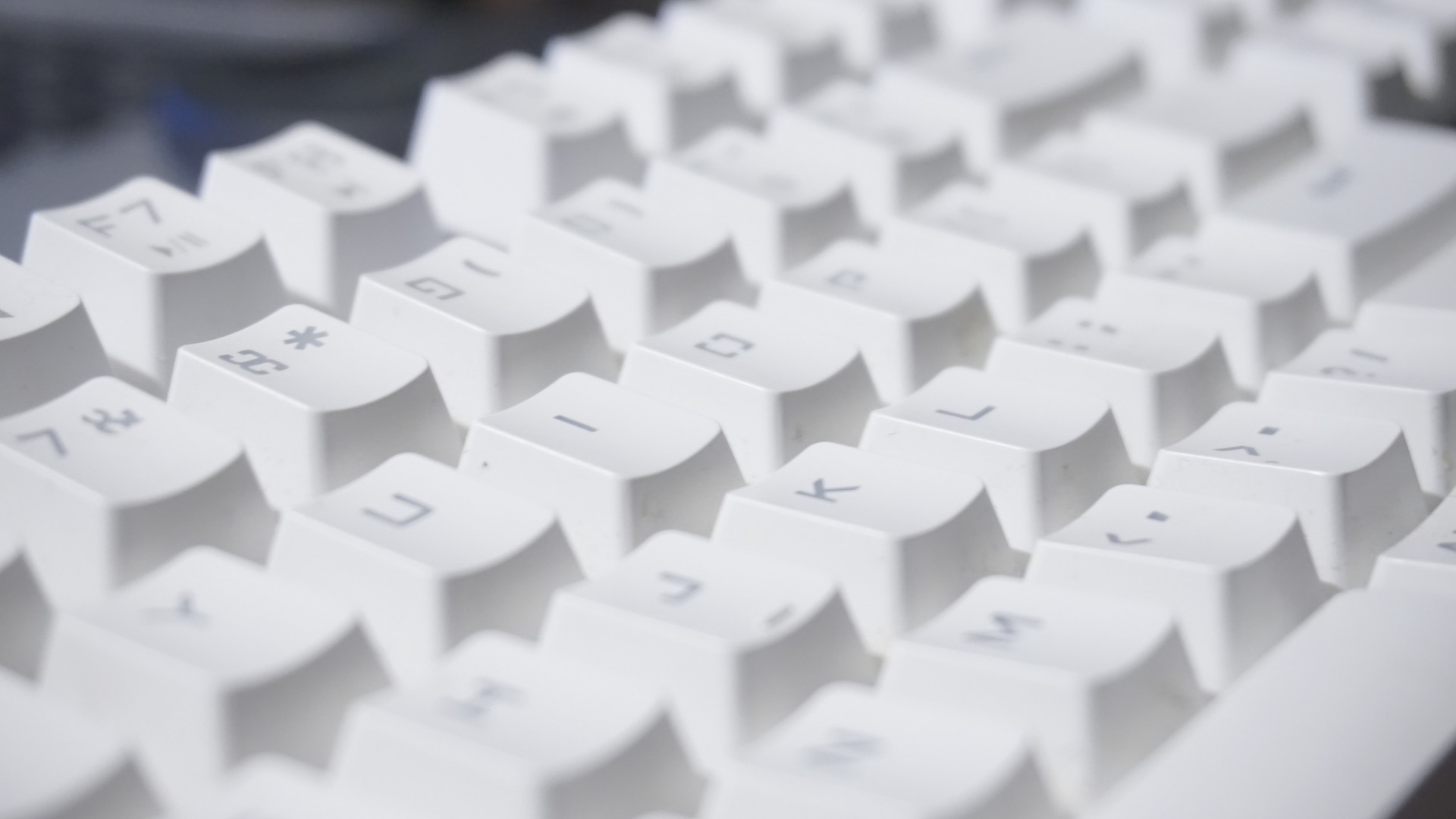
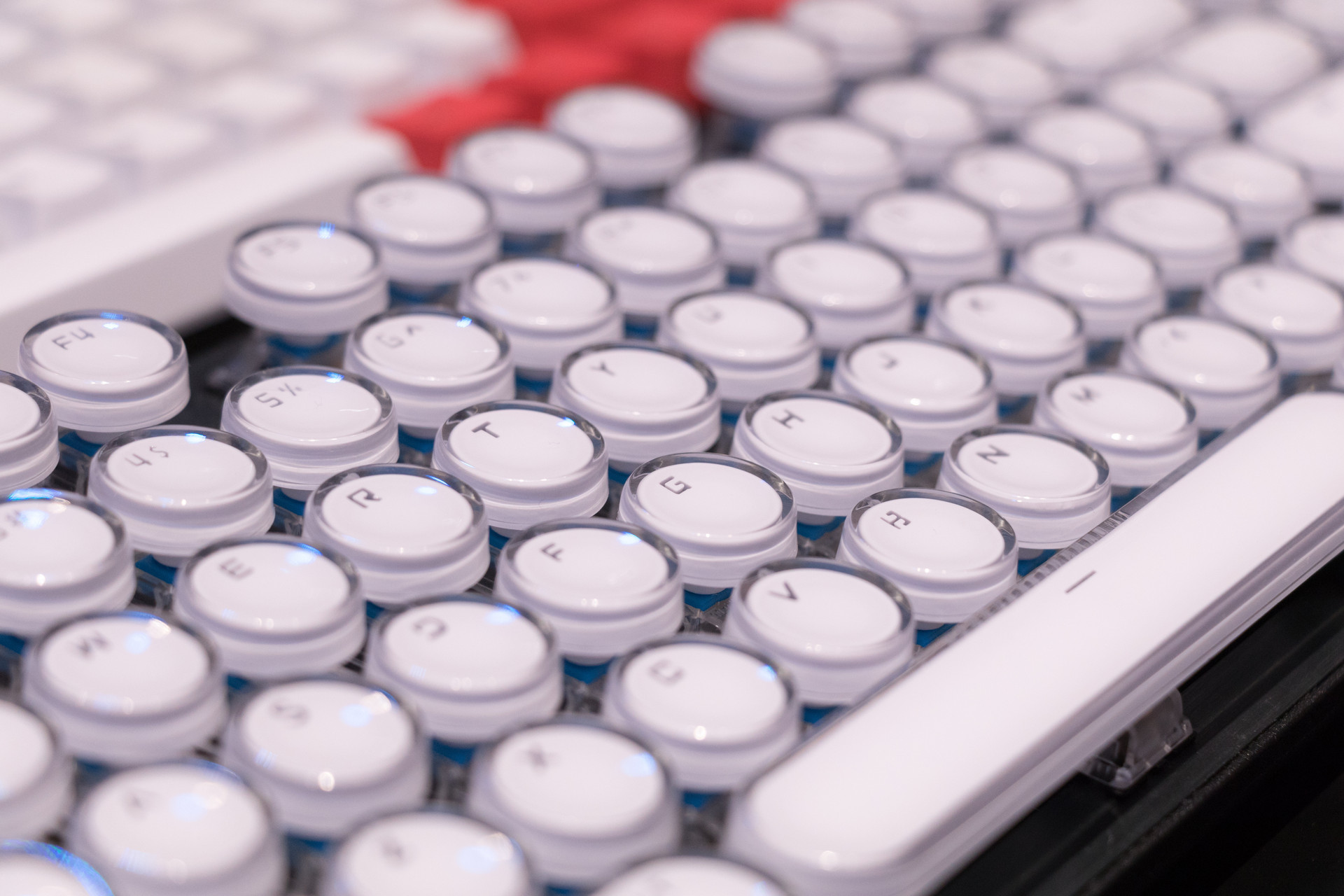
The material, shape, and thickness of keycaps can affect how a computer keyboard switch feels under your fingers. Thicker PBT keycaps often provide a more solid, satisfying feel, while thinner ABS keycaps may feel softer but less durable. The interaction between keycaps and the switch mechanism influences typing comfort, sound, and responsiveness, making keycap compatibility an important consideration when selecting a switch.
10. How Personal Typing Style Determines Your Ideal Switch Choice
Every typist has unique habits, such as typing speed, finger strength, and preferred tactile feedback. Matching a computer keyboard switch to your personal typing style is critical for long-term comfort. Fast typists may prefer linear switches for quick keystrokes, while slower typists or those who rely on tactile feedback may prefer tactile or clicky switches. Understanding your typing style helps you make an informed choice, ensuring the switch you select enhances comfort and productivity.