Hall Effect and Optical Switches: Different Types of Keyboard Switches
Discover the speed and durability of Hall Effect and Optical keyboard switches. Learn how these advanced technologies work and get simple steps for how to safely remove keyboard switches.
Let's dive into two exciting types of switches: Hall Effect and Optical.
Hall Effect Switches: The Magnetic Advantage
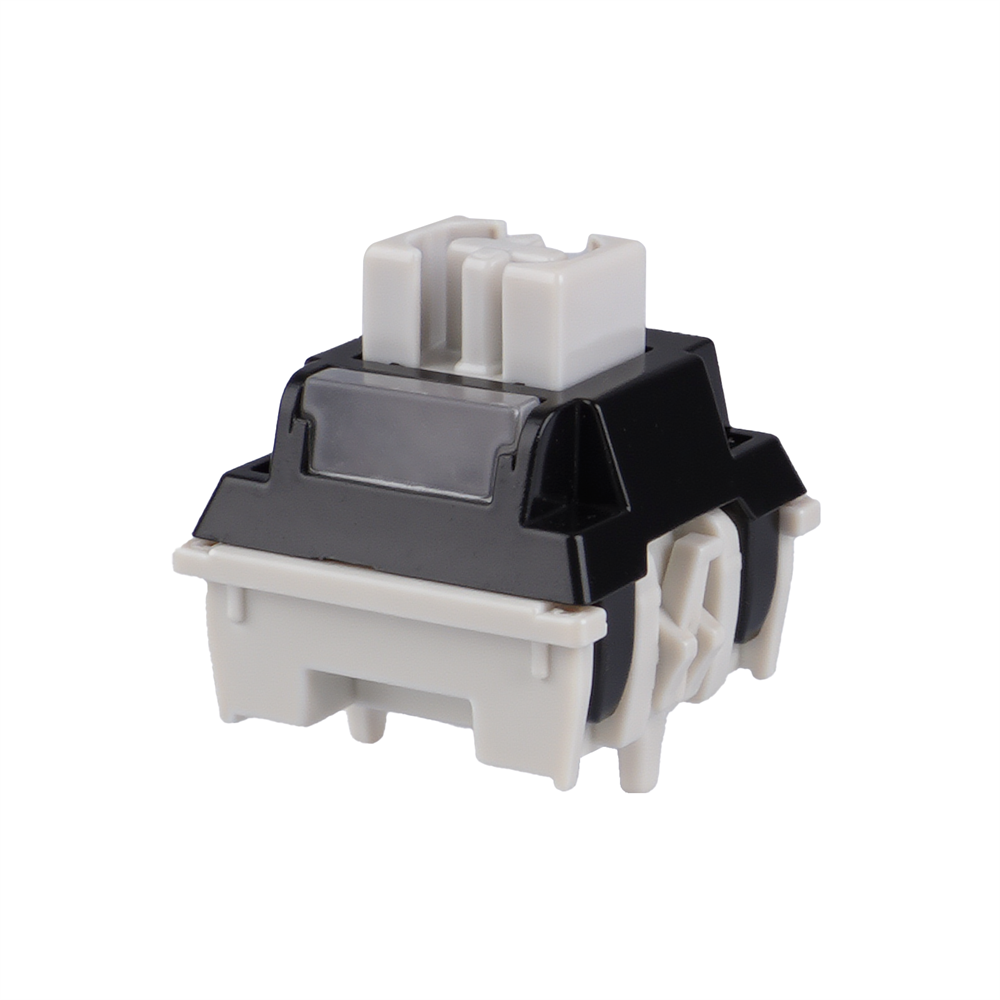
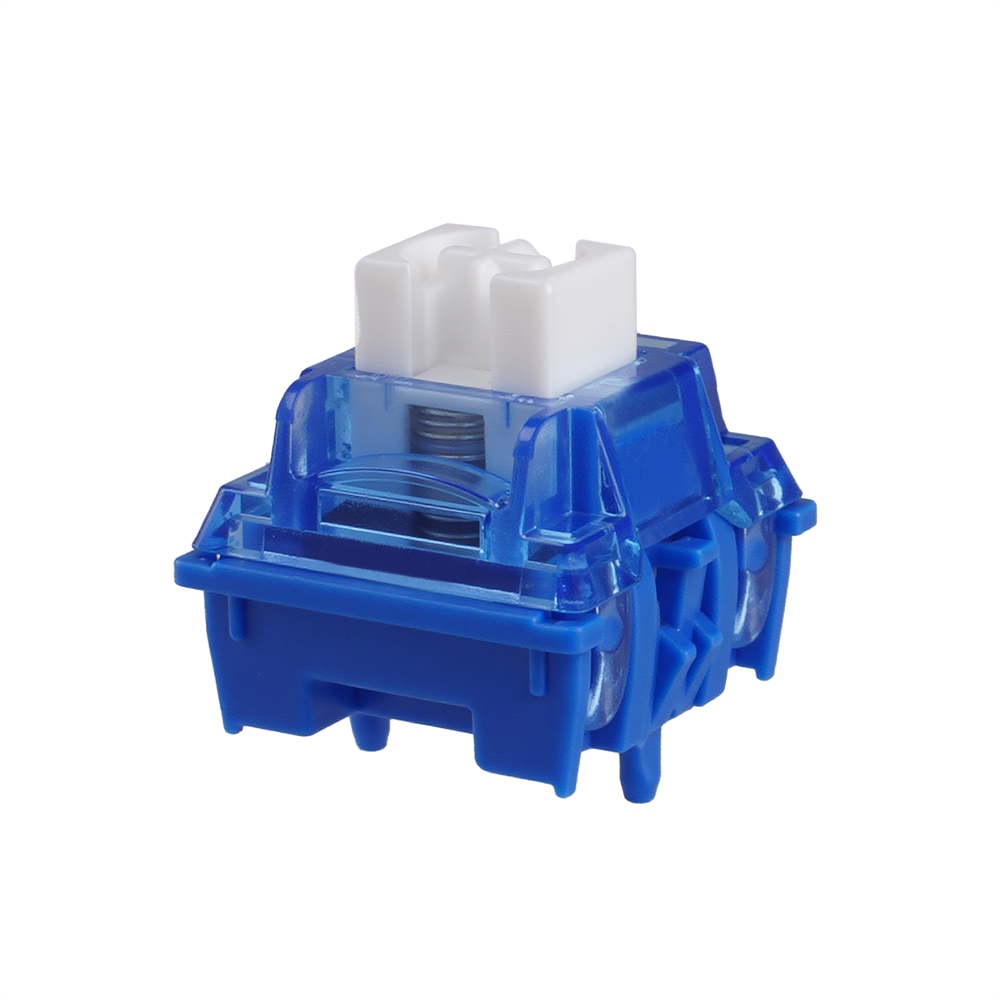
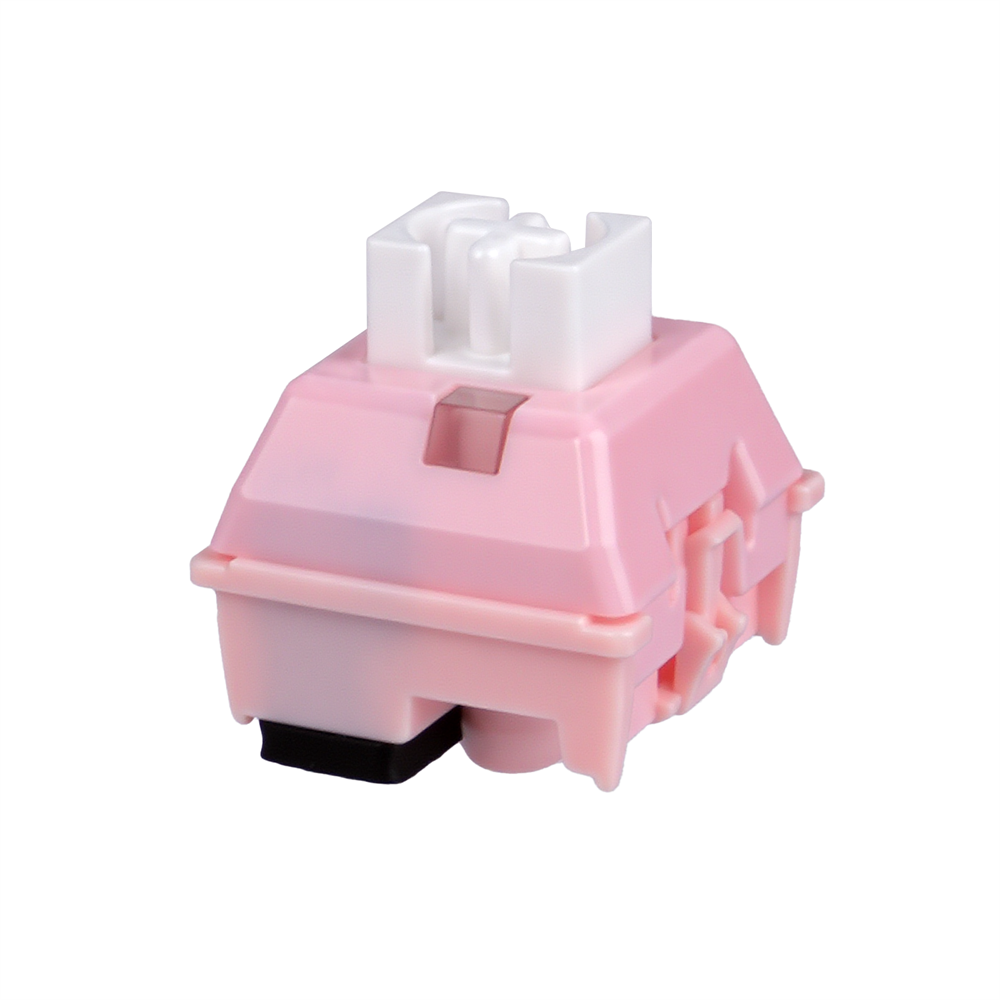
Imagine a switch that doesn't actually touch anything to send a signal. That's what Hall Effect switches do! They use magnets. When you press a key, a magnet moves closer to a sensor. This sensor detects the change in the magnetic field and registers the key press.
Super Durable: Since there's no physical contact, there's less wear and tear. This means Hall Effect switches can last a very, very long time.
Adjustable Actuation: This is a huge plus! You can often set how far you need to press the key for it to register. Want a super light touch for gaming? You can do that. Want a deeper press for typing to avoid mistakes? You can do that too. This customization is a big win for gamers and fast typists.
Fast Response: The magnetic sensing is incredibly quick, leading to very low input lag. Every millisecond counts in competitive gaming, and Hall Effect switches deliver.
Optical Switches: Light Speed Action
Optical switches, as the name suggests, use light. Inside each switch, there's a light beam. When you press a key, it blocks or unblocks this light beam. A sensor detects this change in light, and boom – your key press is registered.
Blazing Fast: Just like Hall Effect switches, optical switches are incredibly fast. Light travels at an amazing speed, so the time it takes for your key press to register is almost instant.
Very Durable: No metal contacts mean no oxidation or wear from friction. This makes optical switches very reliable and long-lasting. They are less likely to register multiple presses from one press over time.
Water and Dust Resistant: Because they rely on light rather than metal contacts, many optical switch keyboards offer better resistance to spills and dust, which can be a lifesaver for your keyboard.
How to Remove Keyboard Switches
Okay, so you've learned about these cool switches. Maybe you want to try different ones, or perhaps one of your current switches is acting up. Knowing how to remove keyboard switches is a handy skill.
First, remove the keycap. Use your keycap puller to gently remove the keycap from the switch you want to remove. Hook the puller onto opposite sides of the keycap and pull straight up. Don't twist or yank hard, as you could damage the keycap or the switch.
Then, locate the switch clips. Once the keycap is off, you'll see the switch. Look closely at the top and bottom sides of the switch housing. You'll see two small plastic clips or tabs.
After that, use the switch puller. Take your switch puller. There are different designs, but most have two prongs. Carefully slide the prongs of the switch puller under the switch housing, making sure they engage with those small plastic clips.